
Head to head · 2026
P27D or P27L? The two entry-level 4K monitors
€230 separates the two most affordable 27-inch 4K monitors. One is 60 Hz and matte, the other 144 Hz and glossy. Here is which to take according to what you do with it.
Comparison
The two affordable 4K monitors
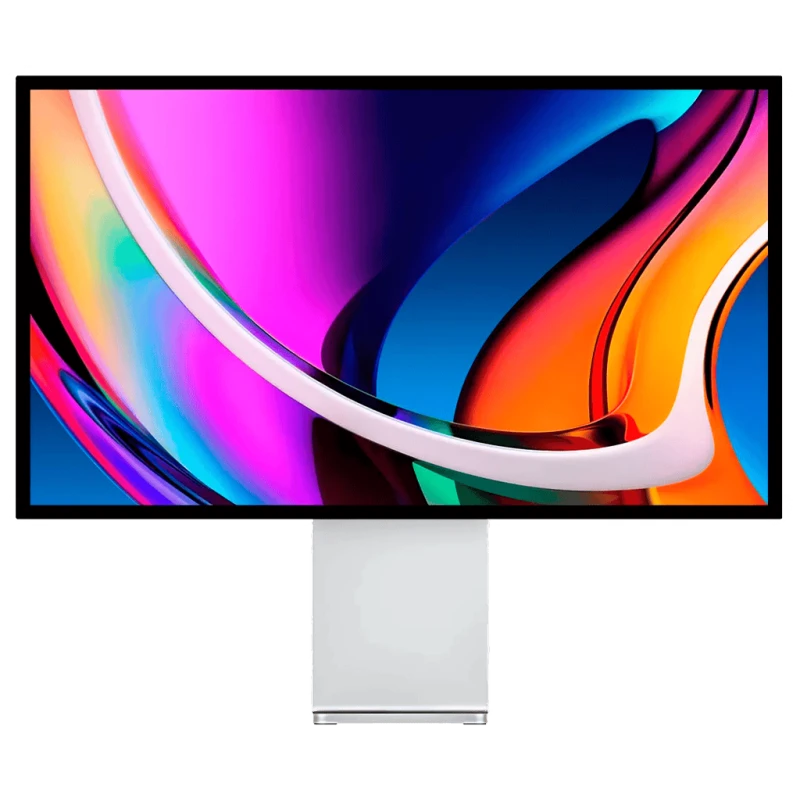
Kuycon P27D
27" · 4K · 144 Hz · glossy
From €729.00 incl. VAT
- Resolution3840 × 2160
- Density163 ppi
- Refresh rate144 Hz
- Brightness500 nits
- Contrast1000:1
- Finishglossy
Why we recommend it: 144 Hz in 4K at this price, with HDMI 2.1 and two USB-C ports: it is the choice if the machine is also used for gaming.
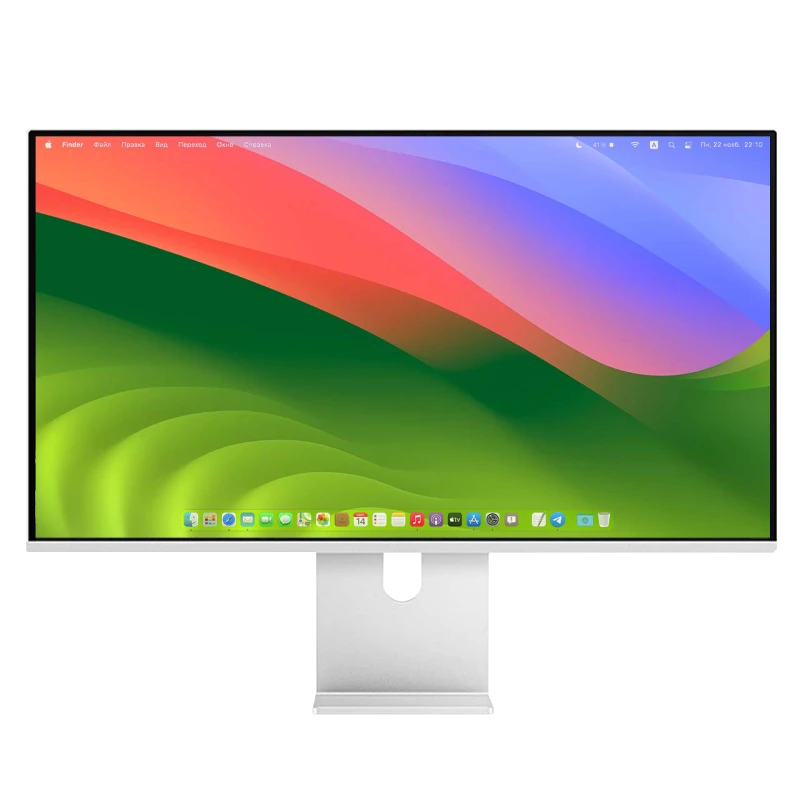
Kuycon P27L
27" · 4K · 60 Hz · matte
From €499.17 incl. VAT
- Resolution3840 × 2160
- Density163 ppi
- Refresh rate60 Hz
- Brightness400 nits
- Contrast1000:1
- Finishmatte
Why we recommend it: The honest entry ticket to 4K: the same resolution, a matte finish that settles reflections, and a single USB-C cable. Under €500.
| P27D | P27L | |
|---|---|---|
| Resolution | 3840 × 2160 | 3840 × 2160 |
| Density | 163 ppi | 163 ppi |
| Refresh rate | 144 Hz | 60 Hz |
| Brightness | 500 nits | 400 nits |
| Contrast | 1000:1 | 1000:1 |
| Finish | glossy anti-reflective | matte anti-reflective |
| HDMI | 2.1 | standard |
| Thickness | 2,2 cm | 1,9 cm |
| Price | €729.00 | €499.17 |
Manufacturer specifications. Prices are shown in your currency.
Refresh rate, the only real gap
The same panel, the same resolution, the same density, the same contrast. What you pay extra for on the P27D is 144 Hz instead of 60, 100 nits more, and an HDMI 2.1 socket.
If the monitor is only for work — documents, the web, email, occasional editing — you will not miss the P27L's 60 Hz, and you save €230.
If the machine is also for gaming, or if you have already tasted a high refresh rate, the gap is justified immediately.
Matte or glossy
The P27L is matte, the P27D glossy anti-reflective. For a setup in a living room, facing a window, or in a badly oriented shared office, the P27L's matte finish is a real advantage that has nothing to do with price.
The question of density
163 ppi for both. That is honest for a 27-inch, but far from the 218 ppi macOS expects. If you put this monitor next to a MacBook, the difference in text sharpness will be noticeable.
That is not a deal-breaker for office work. It becomes one if you read text eight hours a day. The subject is covered in the best second monitor for a MacBook.
Our recommendation
Tight budget, office use: the P27L. It is the best resolution-per-euro ratio in the range.
The machine is also for gaming: the P27D, for the 144 Hz and HDMI 2.1.
Very bright desk: the P27L, for its matte finish.
FAQ
P27D or P27L: frequently asked questions
What is the difference between the P27D and the P27L?
The refresh rate above all: 144 Hz against 60 Hz. Add to that 100 nits more brightness, an HDMI 2.1 socket and a glossy rather than matte finish. The panel, the resolution and the density are identical.
Is the P27L enough for work?
Yes: 4K, 163 ppi, 400 nits, matte finish and a single-cable USB-C connection. For office work, the web and occasional editing, 60 Hz poses no problem at all.
Which one to choose for gaming?
The P27D, for its 144 Hz and its HDMI 2.1 socket, which lets you make use of a recent console or a modern graphics card.
Which one in a bright room?
The P27L, whose finish is matte. The P27D has a glossy anti-reflective coating, higher in contrast but more sensitive to a light source placed behind you.
Are these monitors suitable beside a MacBook?
They work perfectly over USB-C, but at 163 ppi the difference in sharpness against the MacBook's panel is noticeable. For an equivalent result, you have to aim for a 27-inch 5K at 218 ppi.
Two 4K monitors, two uses
Smoothness, or the best price. 2-year warranty in the European Union.
See the rangeComparison written in September 2026. The specifications are those published by the manufacturer; check the product page before buying.