
Buying guide · 2026
The best second monitor for a MacBook, without spending €1,600
You want to put a monitor next to your MacBook: the same aluminium look, one cable, and text as crisp as on the laptop's panel. Without paying the price of an Apple monitor. Here are the three options that genuinely keep that promise, from €499.
Our selection
Three monitors, three budgets
All connect over USB-C, charge the laptop and accept VESA mounting.
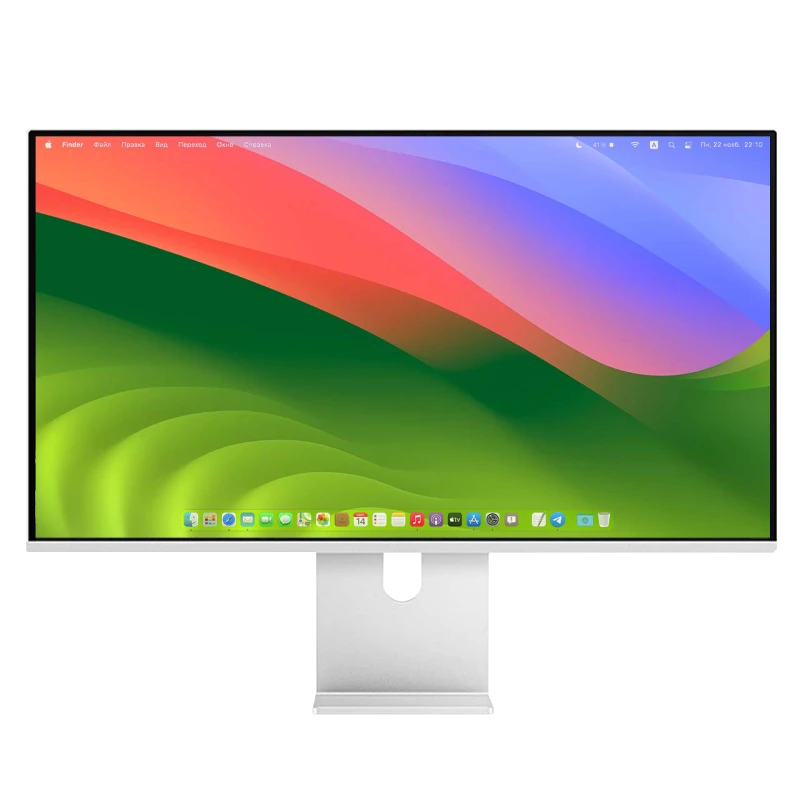
Kuycon P27L
27" · 4K · matte
From €499.17 incl. VAT
- Resolution3840 × 2160
- Density163 ppi
- Finishmatte
- USB-Cyes
- Brightness400 nits
- Refresh rate60 Hz
Why we recommend it: under €500, it is the honest entry ticket. The text is less fine than in 5K — we explain why below — but the matte finish settles the reflections of a living room, and one cable is enough.
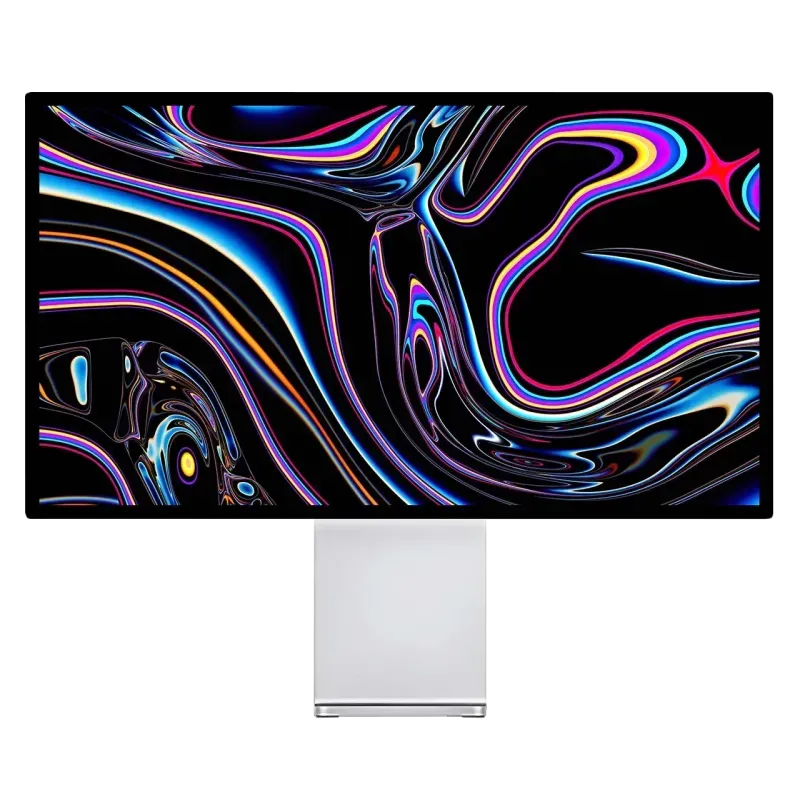
Kuycon G27P
27" · 5K · 218 ppi
From €939.00 incl. VAT
- Resolution5120 × 2880
- Density218 ppi
- Contrast2000:1
- Brightness600 nits
- USB-C100 W
- Chassisaluminium
Why we recommend it: it is the same resolution and the same density as Apple's monitor, in an aluminium chassis with thin bezels, for considerably less. The text is as crisp as on the MacBook's panel.
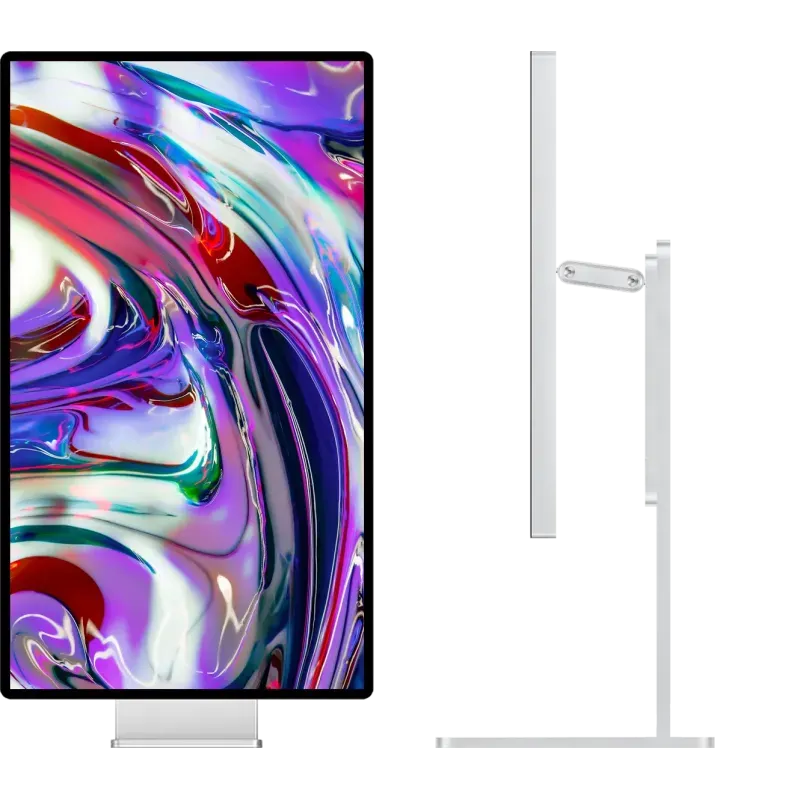
Kuycon P27ZB
27" · 4K · 240 Hz
From €939.00 incl. VAT
- Resolution3840 × 2160
- Contrast2000:1
- Delta E< 2
- Refresh rate240 Hz
- Finishmatte
- USB-C100 W
Why we recommend it: if the MacBook is also used for gaming, or if you are on an M5 Pro or M5 Max where high-refresh 5K is capped, it is the choice that keeps smoothness and excellent contrast.
The mistake that spoils the experience
Putting a cheap monitor next to a MacBook means placing two very different panels side by side. A MacBook displays about 254 ppi; a 27-inch 4K displays 163. The contrast is brutal: you go from perfectly drawn text to slightly blurry text, several times a minute.
That is why a 27-inch 5K genuinely changes the experience: at 218 ppi, macOS applies exact 2× scaling, with no interpolation. The second monitor stops being a compromise. The mechanism is detailed in Retina, ppi and scaling.
What you are not paying for
Apple's monitor starts at $1,599 in its 2026 version. It carries a 12 MP camera, six speakers and three microphones — real hardware, and part of the price comes from there. Our monitors do not have them.
If you already have a webcam and a headset, you do not pay twice. If you were counting precisely on those features, it is a genuine criterion to factor in. The full calculation is in the real price of a Retina monitor.
One cable, genuinely
The three models connect over USB-C: picture, hub peripherals and up to 100 W of charging travel together. You set the MacBook down, you plug in one cable, everything is connected and the machine charges. That is the setup described in the single-cable desk.
And the stand?
The monitor comes with its VESA 100 × 100 adapter and its cables; the adjustable stand is ordered in a pack or separately from €49.90. If you already use a desk arm, you do not pay for a stand you do not need.
FAQ
Second monitor for a MacBook: frequently asked questions
What is the best affordable second monitor for a MacBook?
The P27L at under €500 if budget comes first, accepting text less fine than in 5K. The G27P at €939 if you want the same Retina density as the MacBook's panel: that is the point that genuinely changes everyday use.
Is a 4K monitor enough beside a MacBook?
It works perfectly, but the difference in density is felt: about 254 ppi on the MacBook against 163 ppi on a 27-inch 4K. For office work, no problem; for text all day, 5K is considerably more comfortable.
Does the MacBook charge through the monitor?
Yes, up to 100 W on models fitted with USB-C: picture, peripherals and charging go through the same cable. That is enough for a MacBook Air and a 14-inch MacBook Pro.
Do these monitors look like an Apple monitor?
The recent models use a machined anodised aluminium chassis, thin bezels of equal width and a minimalist stand. The inspiration is deliberate: on a desk already equipped with Apple hardware, visual consistency is an argument.
Is there a camera and speakers?
No. That is a real part of the price gap with Apple's monitor. If you already own a webcam and a headset, you avoid paying twice; if not, plan for them.
A second monitor that does not clash
Machined aluminium, one cable, Retina density available. Delivery and after-sales service in Europe, 2-year warranty.
See all monitorsGuide written in September 2026. The Apple prices quoted are those published by the manufacturer; Kuycon prices are shown in your currency.