
Uses · Updated in 2026
The developer's monitor: density, lines and portrait mode
Writing code means reading text eight hours a day. Two numbers therefore decide comfort: pixel density, which determines how crisp characters are, and the number of lines visible without scrolling. Everything else is secondary.
Our selection
Two approaches that work
Maximum sharpness, or maximum surface. Both are defensible.
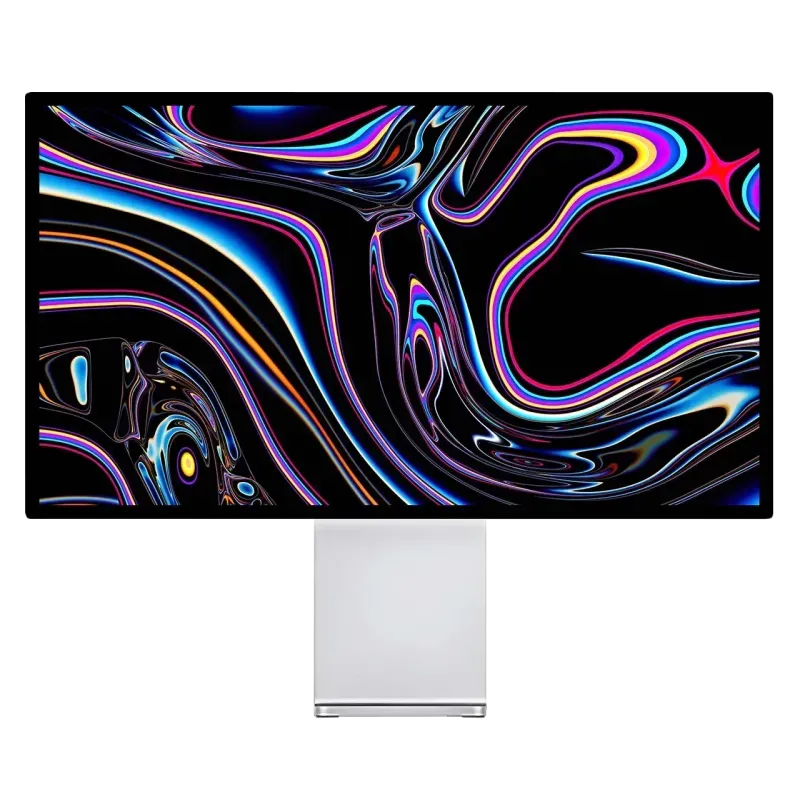
Kuycon G27P
27" · 5K · 218 ppi
From €939.00 incl. VAT
- Resolution5120 × 2880
- Space2560 × 1440
- Contrast2000:1
- Portrait90° rotation
- USB-C100 W
- PanelIPS Black
Why we recommend it: at 218 ppi, characters are drawn with no approximation: ligatures, thin strokes and accents land exactly on the pixel grid. On a dark theme, 2000:1 contrast makes the background genuinely black rather than grey.
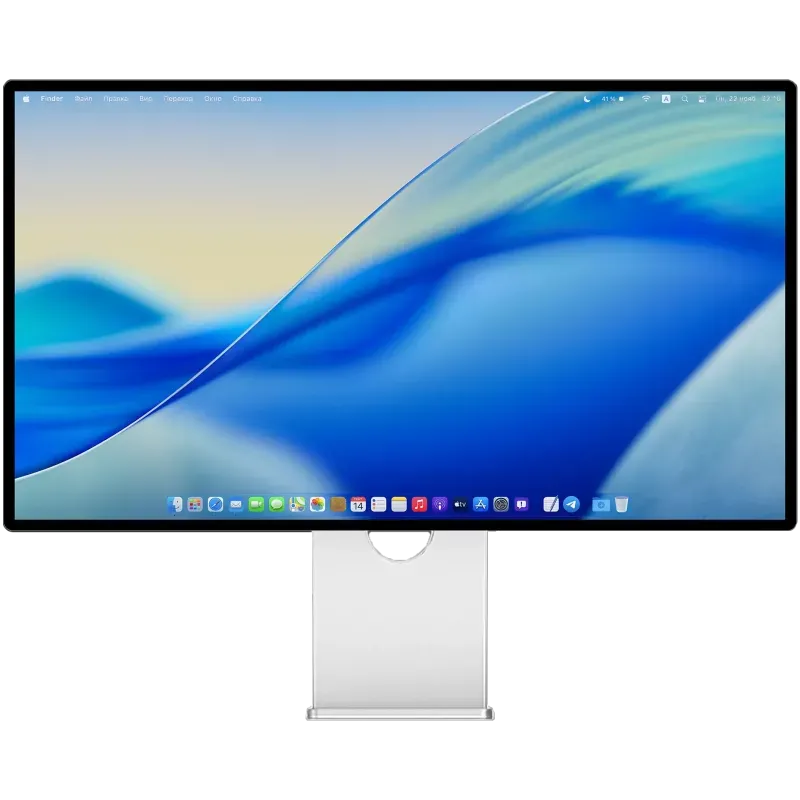
Kuycon G32P
32" · 6K · 223 ppi
From €1,329.00 incl. VAT
- Resolution6144 × 3456
- Space3072 × 1728
- Surface+44 %
- Contrast2000:1
- InputsDP 2.1, 2 × HDMI 2.1
- USB-C100 W
Why we recommend it: the same sharpness, 44% more space. Editor, terminal, browser and documentation visible together, each wide enough to be usable — with no bezel in the middle as on a dual-monitor setup.
Why density counts more here than elsewhere
A code character is about a dozen pixels tall. At 163 ppi — a 27-inch 4K — the system has to apply non-integer scaling: thin strokes sometimes fall between two physical pixels and the rendering softens. On a photo, nobody notices. Over eight hours of reading monospaced text, the fatigue adds up.
At 218 ppi, every interface element occupies exactly four physical pixels: no approximation. It is the only serious reason to pay for a 5K rather than a 4K for development. The mechanism is detailed in Retina, ppi and scaling.
How many lines do you see?
The second criterion, more concrete: a workspace 1440 points tall shows about 70 to 80 lines of code at a comfortable size. A space of 1728 points shows about twenty more — that is, a whole function instead of a truncated one.
And in portrait mode, a 27-inch rotated 90 degrees goes to 2560 points tall: nearly double. It is the favourite setup of many developers, often as a second monitor beside a main one in landscape. Kuycon stands provide the rotation as standard.
The dark theme, and contrast
Most developers work on a dark background, which makes the panel's native contrast far more visible than in office work. An ordinary IPS panel tops out at 1000:1: black appears dark grey there, and the screen seems lit from inside even when nothing is displayed. An IPS Black panel doubles that ratio, and the background becomes genuinely black again.
What is of no use
We may as well write it: for development, a high refresh rate brings almost nothing. 75 Hz is amply enough, and the comfort of 240 Hz is only felt when moving the cursor. If the monitor also serves for gaming, the trade-off changes — see the gaming guide. Otherwise, put the budget into density.
FAQ
Developer's monitor: frequently asked questions
4K or 5K for coding?
5K on 27 inches, if the budget allows: 218 ppi permit exact scaling, with no interpolation of thin strokes. Over eight hours of reading monospaced text, the difference is genuinely felt.
Is portrait mode useful for code?
Very: a rotated 27-inch shows nearly twice as many lines. It is the classic setup as a second monitor, beside a main one in landscape.
Do you need a high-refresh monitor?
No. For development, 75 Hz is enough; the gain from 240 Hz is only perceived when moving the cursor. Better to invest in density.
Is a 32-inch 6K worth a dual-monitor setup?
Often yes: 3072 × 1728 points let you display editor, terminal and documentation together, with no bezel in the middle of your field of view and no second calibration to align.
Does contrast really count?
On a dark theme, yes. A conventional IPS panel at 1000:1 shows a greyish black; an IPS Black panel at 2000:1 makes the background genuinely black, which rests the eyes at the end of the day.
Crisp text, eight hours a day
218 and 223 ppi, IPS Black contrast and portrait rotation as standard. 2-year warranty in the European Union.
See all Kuycon monitorsGuide written in August 2026. The specifications are those published by the manufacturer; check the product page before buying.